
6 minute read
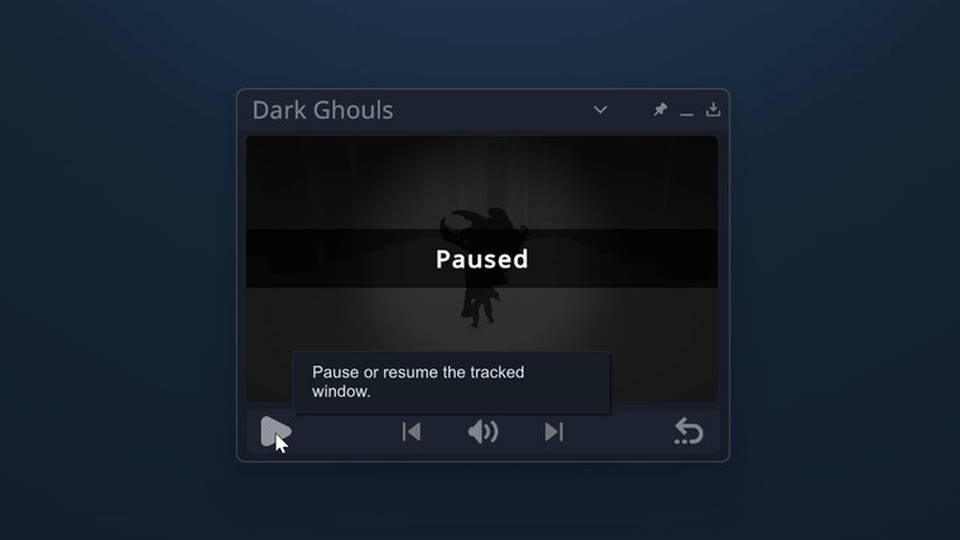
How to pause any single-player PC game
Test a new game safely, keep it to offline play, and let per-game auto-pause handle every Alt+Tab after that.
Read the pause guideGuides
Three things players ask about most: stopping a game that will not stop, quietening one game without quietening everything, and getting through a cutscene without sitting still for it.
6 minute read
Test a new game safely, keep it to offline play, and let per-game auto-pause handle every Alt+Tab after that.
Read the pause guide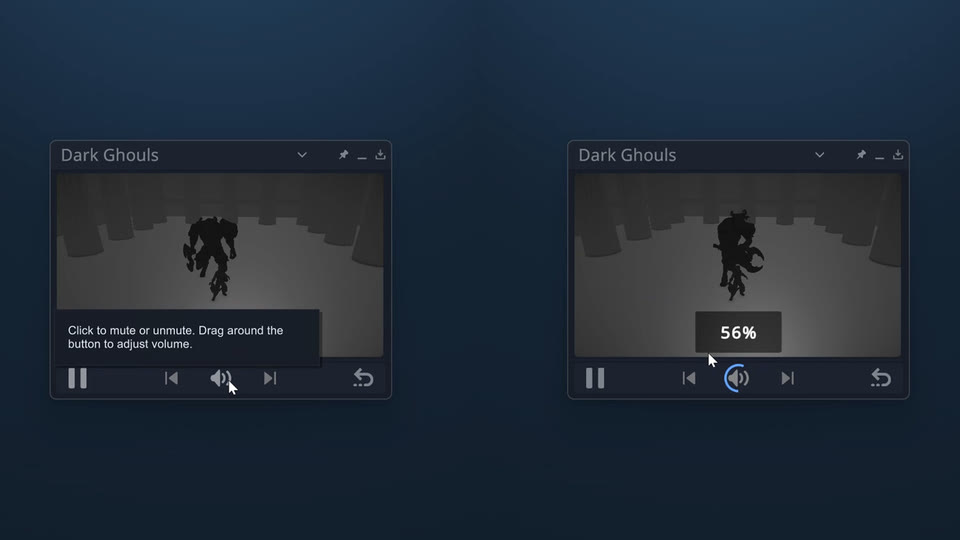
5 minute read
Windows Volume Mixer against the overlay controls, and when auto-mute is the setting you actually want.
Read the audio guide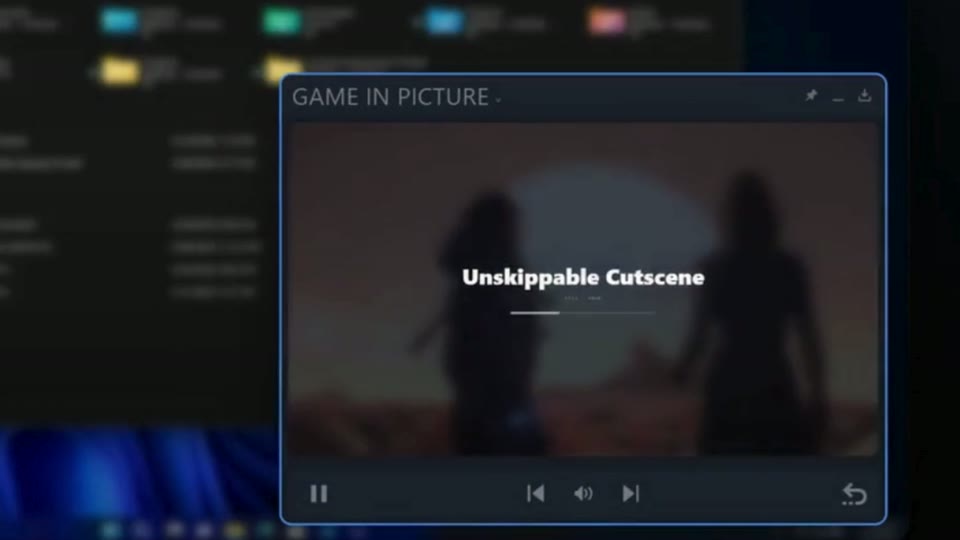
5 minute read
Step out of fullscreen during an unskippable scene without losing the story beat you were waiting for.
Read the cutscene guide
On Steam
Game in Picture keeps the game live in a corner, pauses it when you step away, and puts its audio within reach.